
Immich Stack



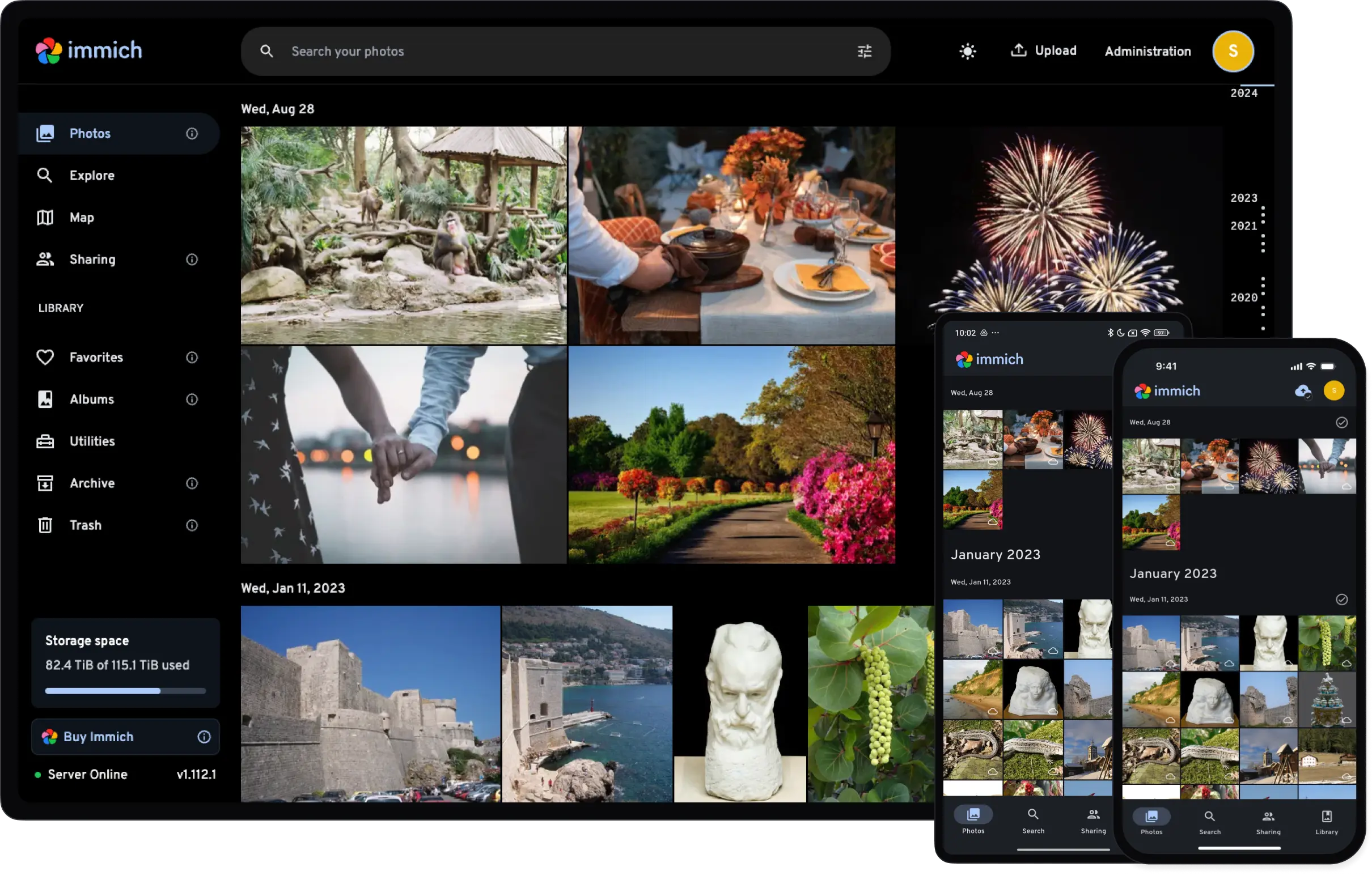
Immich is a high-performance, self-hosted alternative to Google Photos: automatic backup from mobile devices, facial recognition, object detection, location-based browsing, and a modern web interface.
Architecture#
The Immich stack consists of four containers:
| Service | Image | Description |
|---|---|---|
| Server | ghcr.io/daemonless/immich-server |
Main application server (Node.js) — Web UI and API |
| Machine Learning | ghcr.io/daemonless/immich-ml |
Python/ONNX service for facial recognition and smart search |
| PostgreSQL | ghcr.io/daemonless/immich-postgres |
Database with pgvector extension for ML embeddings |
| Redis | ghcr.io/daemonless/redis |
Cache and job queue |
immich-postgres:latestand:14are both PostgreSQL 14 — the current default, matching upstream Immich. New installs can use:18. Upgrading an existing database requires a full dump/restore.
flowchart TD
    Client[Mobile / Web Client]
    Client -->|:2283| Server

    subgraph stack [Immich Stack]
        Server[immich-server<br/>Web UI + API]
        Server -->|:3003| ML[immich-ml<br/>Python/ONNX]
        Server -->|:5432| DB[immich-postgres<br/>pgvector]
        Server -->|:6379| Redis[redis<br/>cache]
    end
Version tags#
These tags apply to the immich-server image (set via IMMICH_TAG):
| Tag | Description | Best for |
|---|---|---|
latest |
Current stable release, built from the latest upstream Immich release | Most users |
beta |
Beta release built from upstream v3.0.0-rc.0 | Testing upcoming releases early |
Prerequisites#
- FreeBSD 15.0 with Podman and ocijail
podman-compose- At least 4GB RAM (the ML service is memory-intensive)
- Storage sized for your photo library growth
Deploy#
FreeBSD jail parameters required. Immich needs
allow.mlockandallow.sysvipcjail parameters — requires ocijail 0.5.0+.
1. Save as .env:
UPLOAD_LOCATION=./library
DB_DATA_LOCATION=./postgres
# TZ=Etc/UTC
DB_PASSWORD=postgres   # change to a random password (A-Za-z0-9 only)
DB_USERNAME=postgres
DB_DATABASE_NAME=immich
2. Save as compose.yaml:
name: immich

services:
  immich-server:
    container_name: immich_server
    image: ghcr.io/daemonless/immich-server:latest
    network_mode: host
    volumes:
      - ${UPLOAD_LOCATION}:/data
      - /etc/localtime:/etc/localtime:ro
    environment:
      DB_HOSTNAME: localhost
      REDIS_HOSTNAME: localhost
      IMMICH_MACHINE_LEARNING_URL: http://localhost:3003
    env_file:
      - .env
    depends_on:
      - redis
      - database
      - immich-machine-learning
    restart: always

  immich-machine-learning:
    container_name: immich_machine_learning
    image: ghcr.io/daemonless/immich-ml:latest
    network_mode: host
    environment:
      HF_HOME: /cache/huggingface
      MPLCONFIGDIR: /tmp
    volumes:
      - model-cache:/cache
    env_file:
      - .env
    restart: always

  redis:
    container_name: immich_redis
    image: ghcr.io/daemonless/redis:latest
    network_mode: host
    volumes:
      - /etc/localtime:/etc/localtime:ro
      - redis-data:/config
    restart: always

  database:
    container_name: immich_postgres
    image: ghcr.io/daemonless/immich-postgres:14  # new installs can use :18
    network_mode: host
    annotations:
      org.freebsd.jail.allow.sysvipc: "true"
    environment:
      POSTGRES_PASSWORD: ${DB_PASSWORD}
      POSTGRES_USER: ${DB_USERNAME}
      POSTGRES_DB: ${DB_DATABASE_NAME}
    volumes:
      - /etc/localtime:/etc/localtime:ro
      - ${DB_DATA_LOCATION}:/var/lib/postgresql/data
    restart: always

volumes:
  model-cache:
  redis-data:
3. Deploy:
mkdir -p library postgres
chown -R ${PUID:-1000}:${PGID:-1000} library postgres
podman-compose up -d
Access Immich at http://your-host:2283.
FreeBSD-specific notes#
PostgreSQL shared memory — PostgreSQL requires System V IPC for shared memory. The compose file includes org.freebsd.jail.allow.sysvipc: "true", processed by ocijail to allow the jail access to shared memory.
Machine learning performance — immich-ml uses a native FreeBSD onnxruntime (custom-built wheel), runs CPU inference only (no GPU acceleration on FreeBSD yet), and downloads HuggingFace models on first run (~1GB cache). First startup is slow; later starts are fast.
Troubleshooting#
ML service keeps restarting
Check memory — the ML service needs at least 2GB RAM:
podman logs immich_machine_learningIf you see OOM errors, increase available memory or disable ML features in Immich settings.
Database connection errors
Ensure PostgreSQL has started and the sysvipc annotation is working:
podman logs immich_postgresThe database needs a few seconds to initialize on first run.
Photos not uploading from mobile
Ensure port 2283 is accessible from your network. Check firewall rules:
# PF firewall
pass in on egress proto tcp to port 2283
Facial recognition not working
The ML service downloads models on first use. Check if models are cached:
podman exec immich_machine_learning ls -la /cache/huggingfaceImplementation details#
- Platform: Native FreeBSD 15.0 (no Linux emulation)
- Runtime: ocijail (FreeBSD jails as OCI containers)
- ML backend: onnxruntime with custom FreeBSD wheel
- Database: PostgreSQL 14 with pgvector extension
- Process manager: s6
Immich is the most involved image in the fleet — Plex is a good first deploy if you're new to Daemonless.